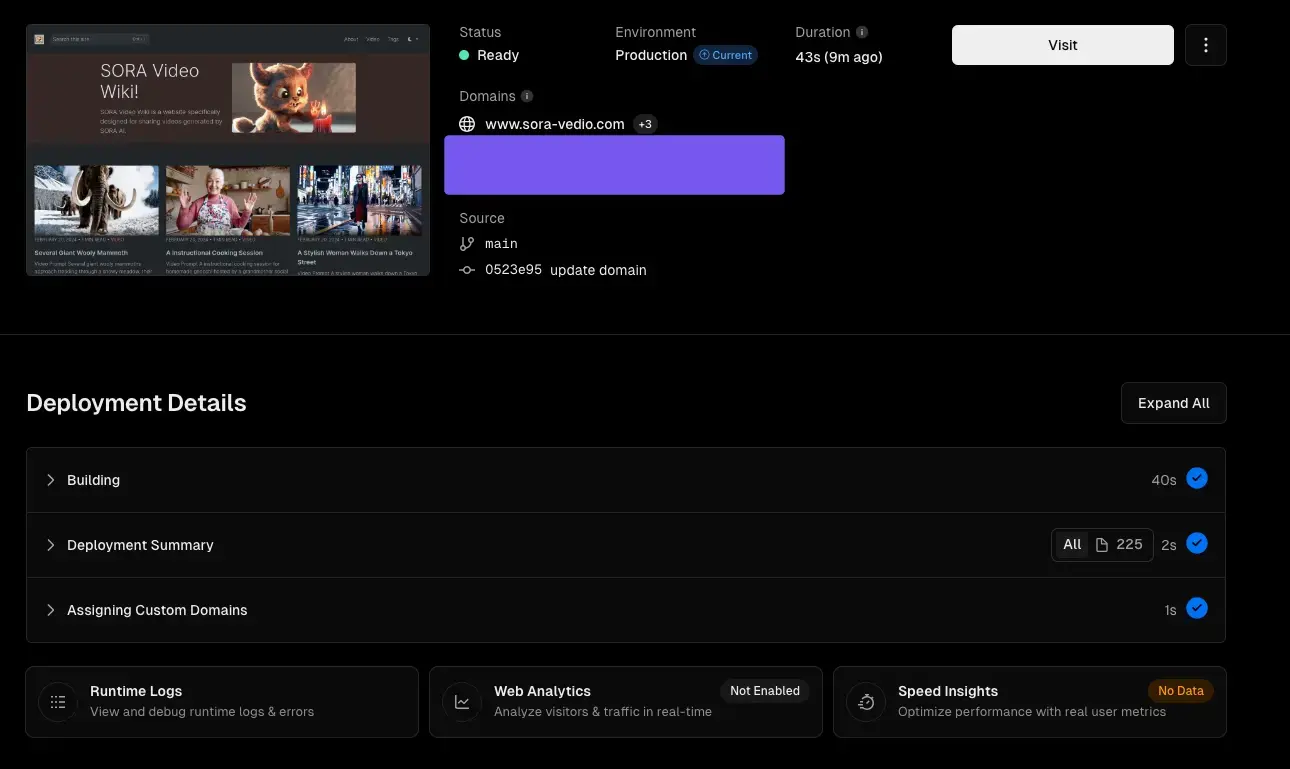
我最近在创建一个 sora video 收集网站,使用 hugo 来开发,同时部署到 Vercel 上。在部署时遇到一些问题,以下是一个简单的记录。
Install Hugo
你可以查看 Hugo 官网来安装 hugo。在 mac 上,我使用 brew 安装。
brew install hugo
Build in Local
我使用的是 https://gethinode.com/ ,A clean documentation and blog theme for your Hugo site based on Bootstrap 5.
Create a new site
hugo new site my-hinode-site && cd my-hinode-siteInitialize the module system
hugo mod init example.com/my-hinode-site
echo "module.imports" >> hugo.toml
echo "path = 'github.com/gethinode/hinode'" >> hugo.toml
Start a development server
hugo server
Deploy with Vercel
代码推到 github 后,使用 vercel 关联 repo 部署 site,部署成功后打开总是一个 xml 页面。
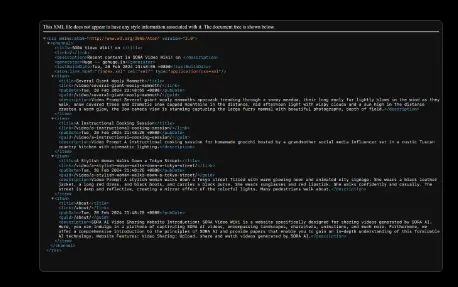
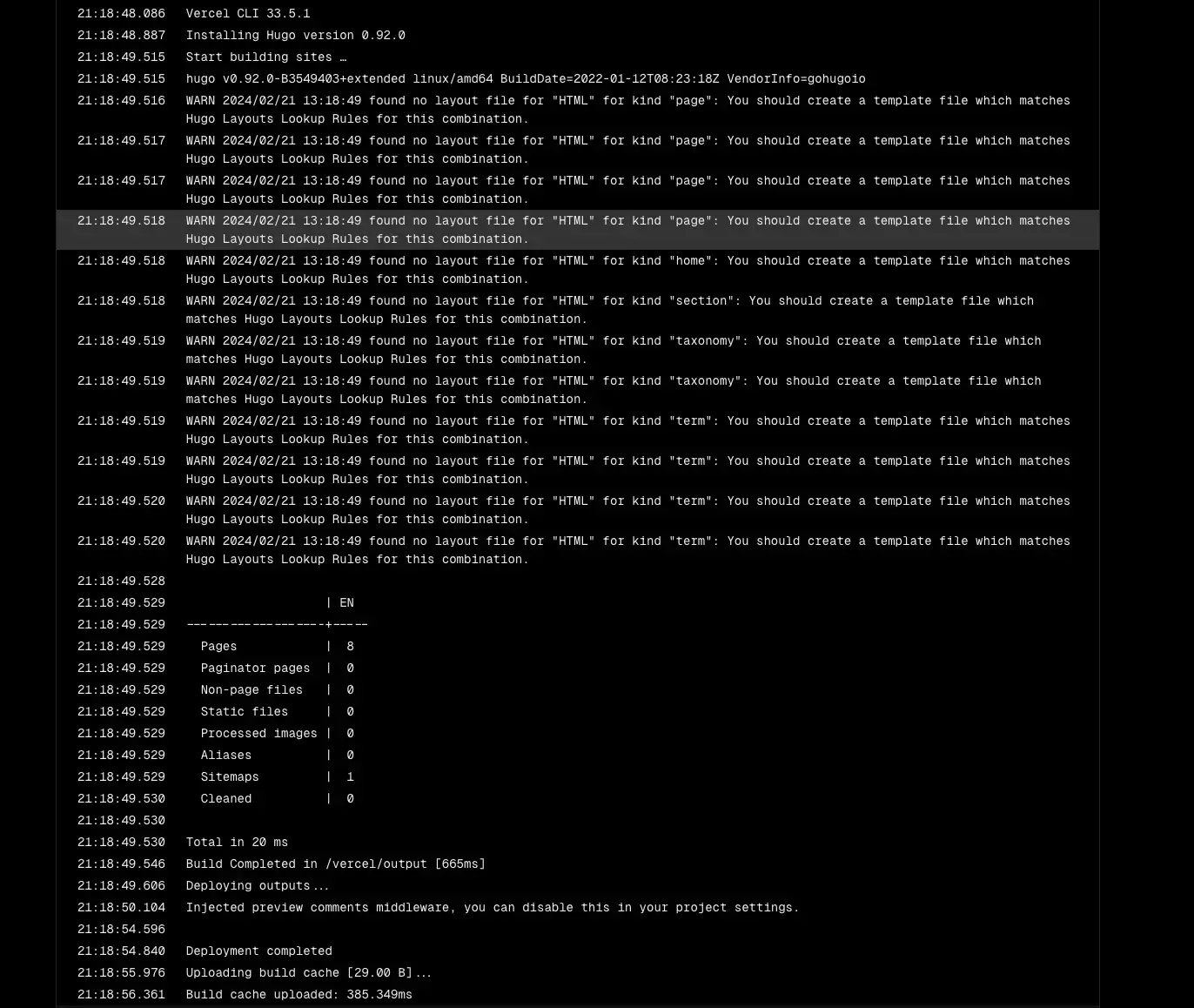
查看部署日志,提示
found no layout file for "HTML" for kind "page": You should create a template file which matches Hugo Layouts Lookup Rules for this combination.
我使用官方模板可以正常部署成功也可以访问,开始我以为是模板的问题,找到模板的作者寻求帮助。 https://github.com/gethinode/hinode/discussions/789
但是作者也没有遇到过这个问题。
然后我把 Vercel 官方的模板在本地运行,希望能对比差异,发现运行报错。我突然意识到可能是 hugo 版本的问题。
经过搜索,发现在 Vercel 部署是可以设置 hugo 版本的。
https://discourse.gohugo.io/t/vercel-tips/34766
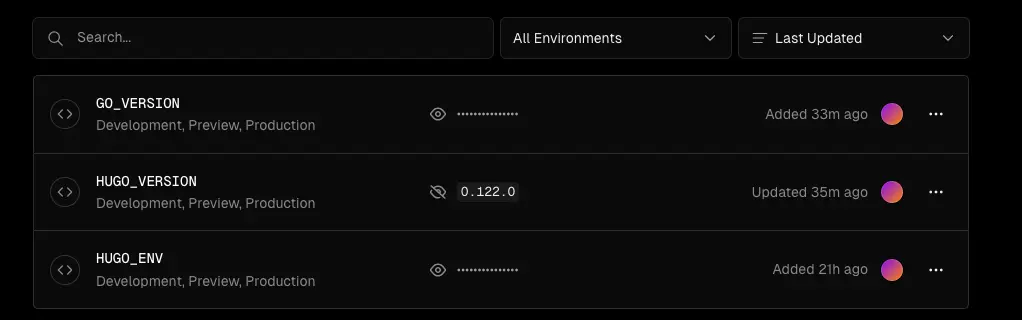
修改版本之后果然开始真正部署。如果提示
Error: failed to load modules: failed to download modules: binary with name "go" not found
可以在 Install Command 添加上以下命令来安装 golang。
amazon-linux-extras install golang1.19
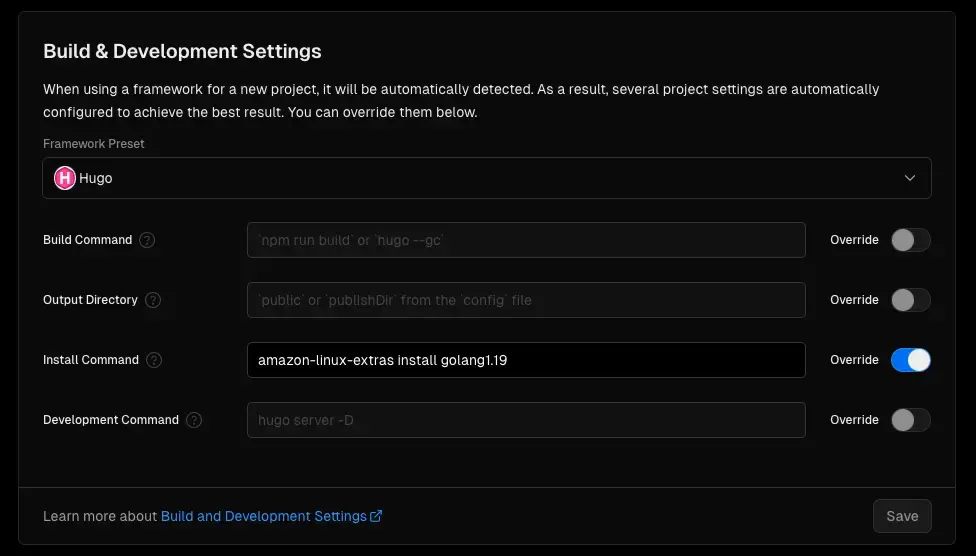
到这里就部署成功了。